Fancy animations and whatnot
Scroll scenes, transitions between sections, headlines that build themselves. Phones get the same show as a loop.
 From Yanis Schweizer@yanis.himself Free Claude skill
 Your landing page works, but it looks like everyone else’s. This skill asks what look you want, then rebuilds it with fancy animations and whatnot. Your words stay exactly as they are.
Download and unzip it.
Claude Code: drop the folder into .claude/skills/ in your project and type /landing-page-beautifier. Any other AI chat: paste in the all-in-one file.
Answer a few questions about the look you want. No idea? Say “you decide” and it picks a style that fits your brand.
Approve the plan: how every section looks and how it moves into the next one.
It builds it, checks it on phones and desktops, and writes down the rules so every future page matches.
Scroll scenes, transitions between sections, headlines that build themselves. Phones get the same show as a loop.
A font pairing, a real size scale, spacing and line lengths that make the page feel expensive.
Every colour, size and animation comes from one design system, written down so it stays consistent.
It never rewrites your copy. Typos and contradictions get flagged for you to decide.
RestaurantsSaaSAgenciesShopsClinicsPortfoliosNonprofits
React/Next.jsAstroVueSveltePlain HTMLWordPressShopifyWebflow
No fixed look. It has nine styles to choose from, from calm editorial to loud and brutalist, and uses the one that fits your brand.
Made by Yanis Schweizer, @yanis.himself
I post what I build and how I build it with AI, plus more free stuff like this.
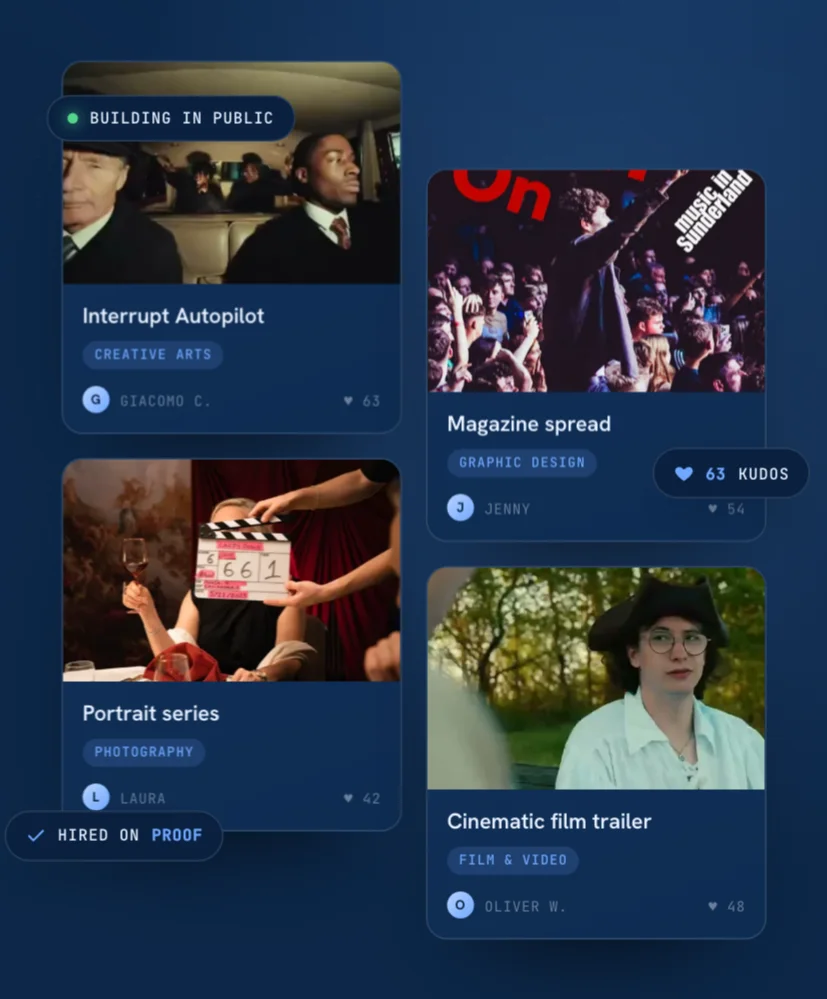
A platform where young talent builds in public and gets hired on proof, not a CV. Built from zero to 12.4k users.
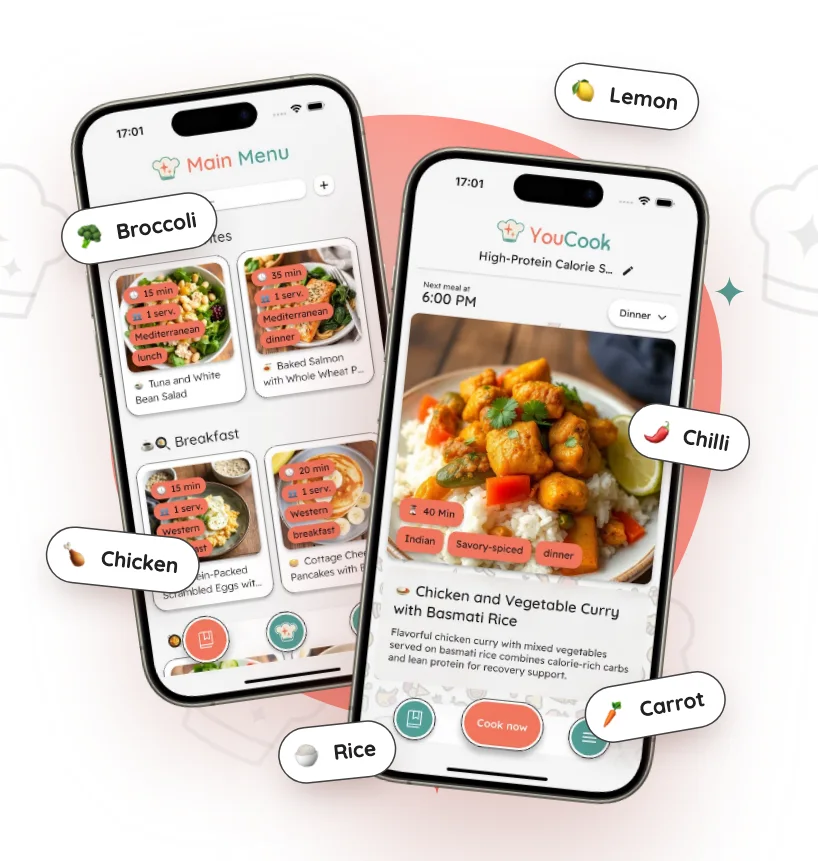
An AI cooking app: snap your ingredients and get recipes, meal plans and shopping lists. Live on iOS and Android.