
Fallow The app blocker
you set once.
A native iOS app blocker. Everything outside your daily free window stays locked, and you can’t talk your way out of it.
- My product
- 2026
- Launching on the App Store
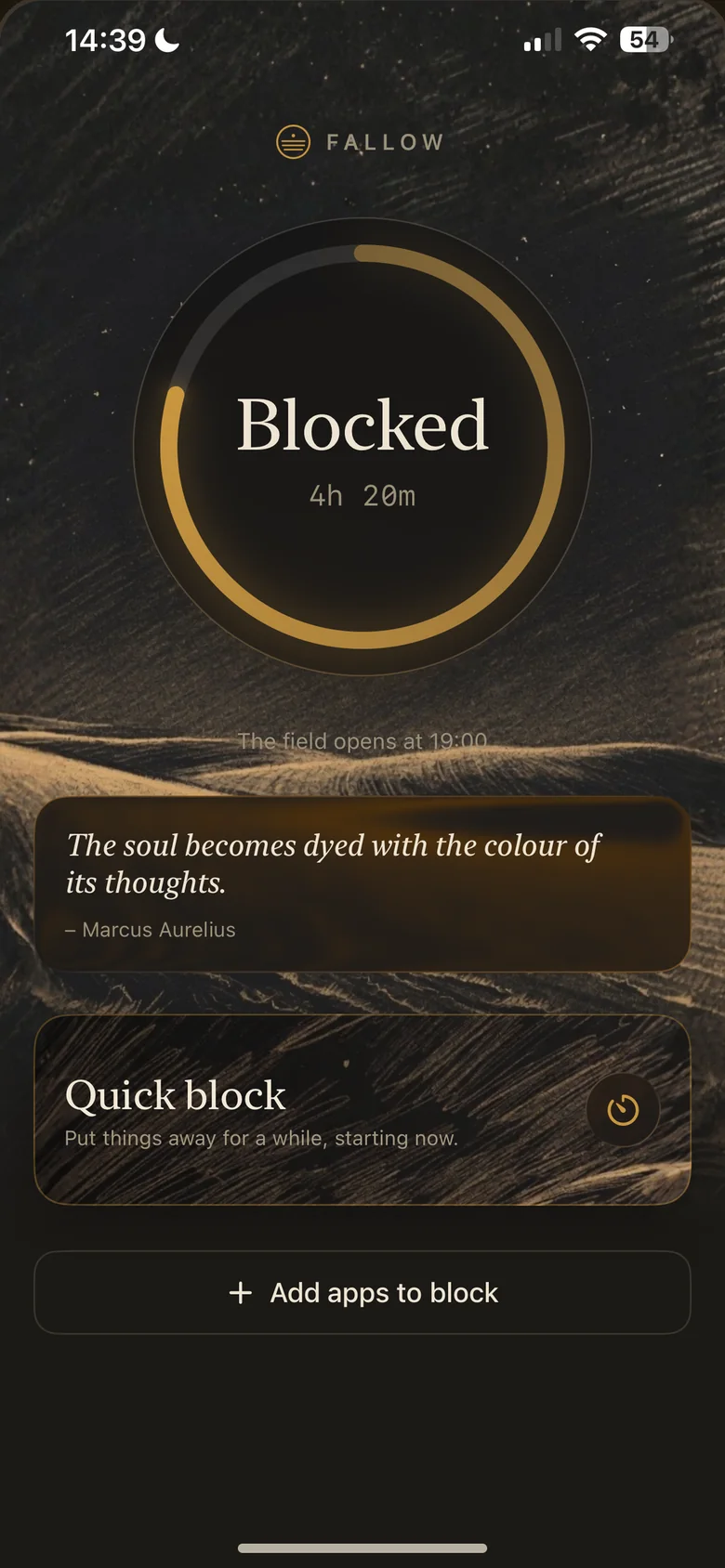

The problem
Most blockers come with a way out.
Most app blockers have an “ignore for 15 minutes” button, which means they don’t really block anything.
I wanted one where putting apps away is instant and taking them back costs you something.
Time limit
You’ve reached your limit for today.
OK Ignore for 15 minutesFallow doesn’t have that button.
The rule
One free window. You choose the hours once.
Everything outside your daily free window is shielded. Putting more away lands instantly. Taking something back costs you a full cycle.
3h
open
Tightening
Adding apps, a shorter window, switching a lock on.
Ask any time. It lands now.
Loosening
Removing apps, a longer window, switching a lock off.
Ask inside the window. It lands when the window next opens.
Ask at 19:30 tonight and tonight’s block still runs on the old, stricter rules. You get the change at 19:00 tomorrow.

Fallow
Confine yourself to the present.
– Marcus Aurelius
The shield
What you see instead of the app.
Open a blocked app and Fallow’s shield appears. It rotates through 15 quotes and 8 labels for its one button, and never shows the same pair twice in a row. The art in the medallion rotates too.
The button only ever closes the app. There is no second button to sneak through. Every time the shield appears, Fallow counts one impulse caught, and once there are a few, the shield sometimes says so.
Cool-off locks
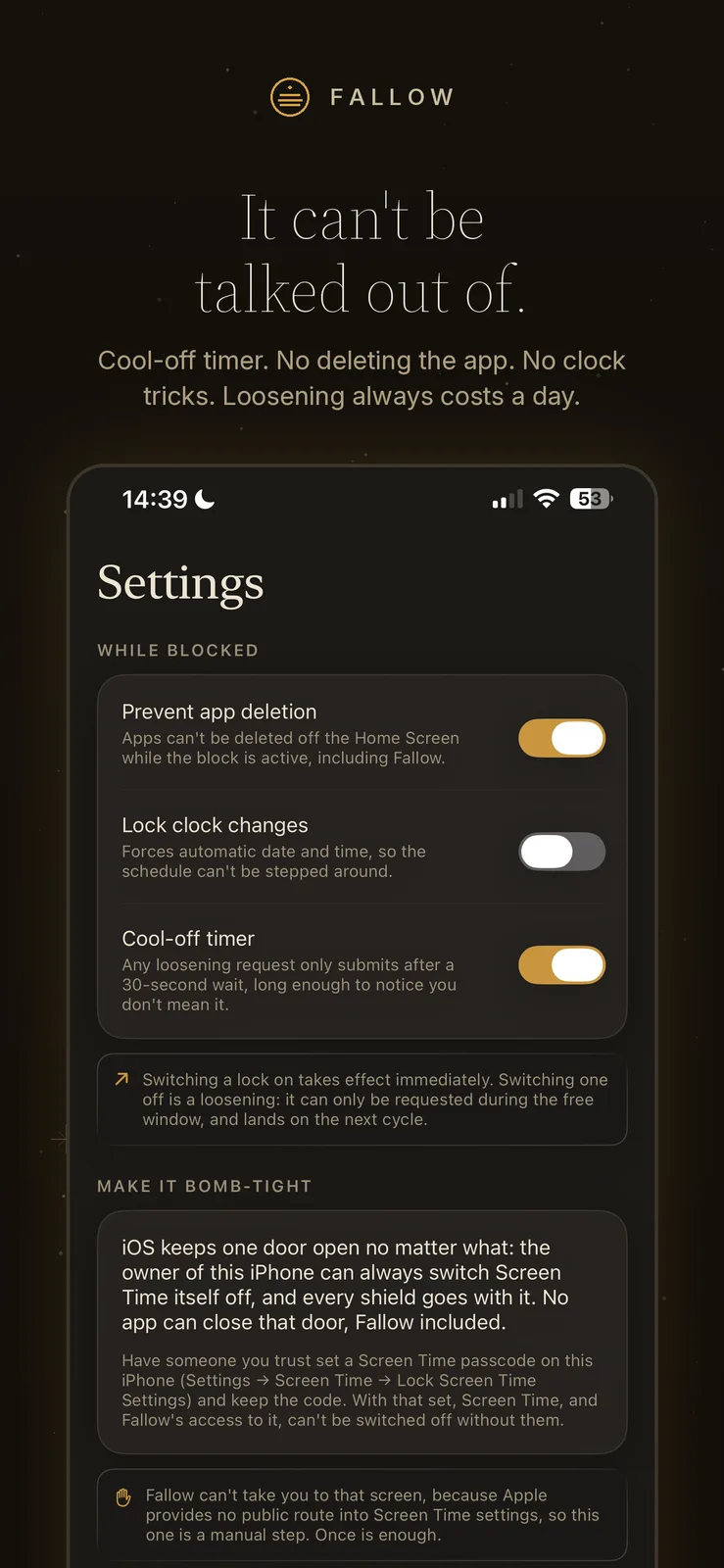
It can’t be talked out of.
Loosening always costs a day. And while a block is running, the usual escape routes are closed too.
While blocked
Prevent app deletion
Apps can’t be deleted off the Home Screen while the block is active, including Fallow.
Lock clock changes
Forces automatic date and time, so the schedule can’t be stepped around.
Cool-off timer
Any loosening request only submits after a 30-second wait, long enough to notice you don’t mean it.
Switching a lock on takes effect immediately. Switching one off is a loosening.
One door stays open. iOS always lets the owner switch Screen Time itself off, and every shield goes with it. Fallow says so plainly, and suggests asking someone you trust to set a Screen Time passcode.
The listing
Same quiet voice, all the way to the App Store.
Fallow is listed as Fallow | Focus App Blocker. These are its App Store screenshots.
-
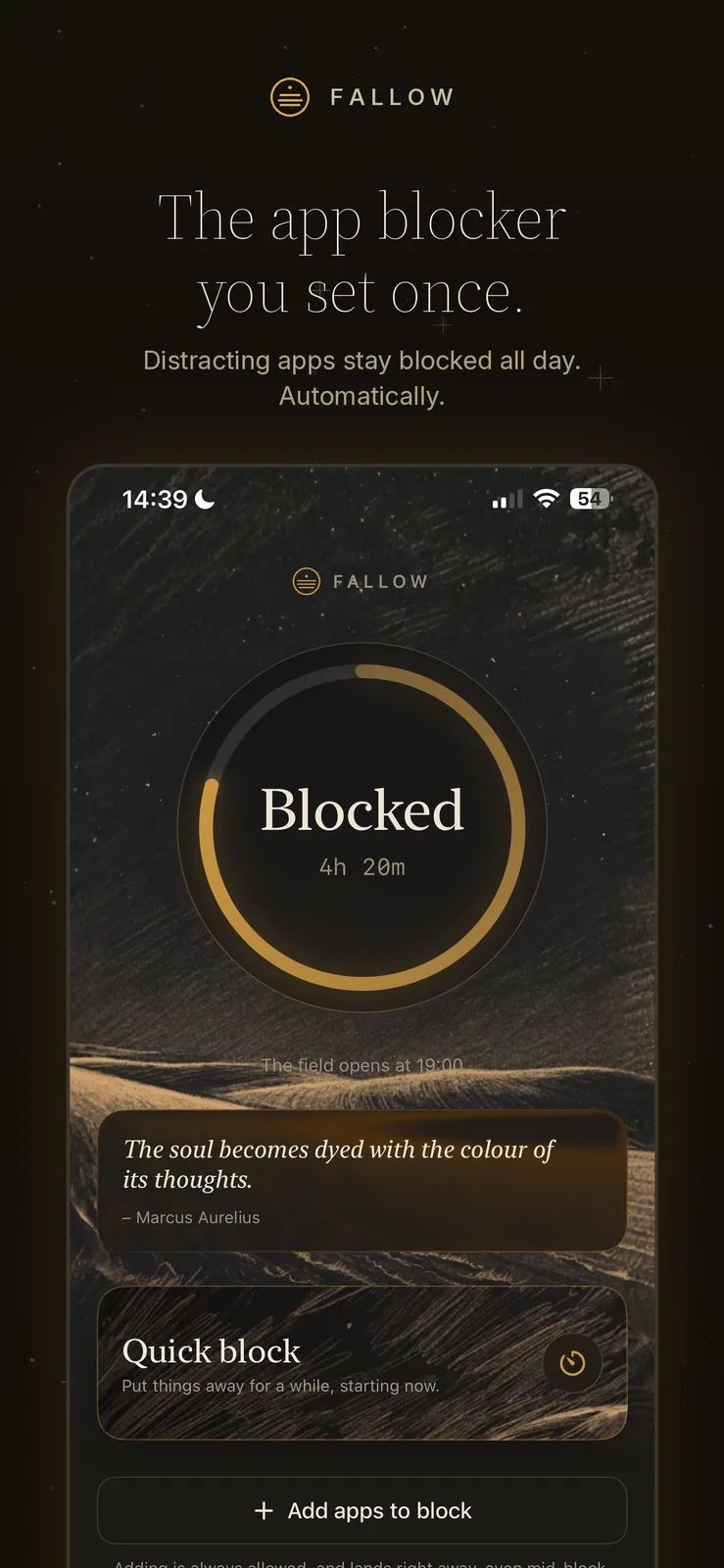
01The hook
-
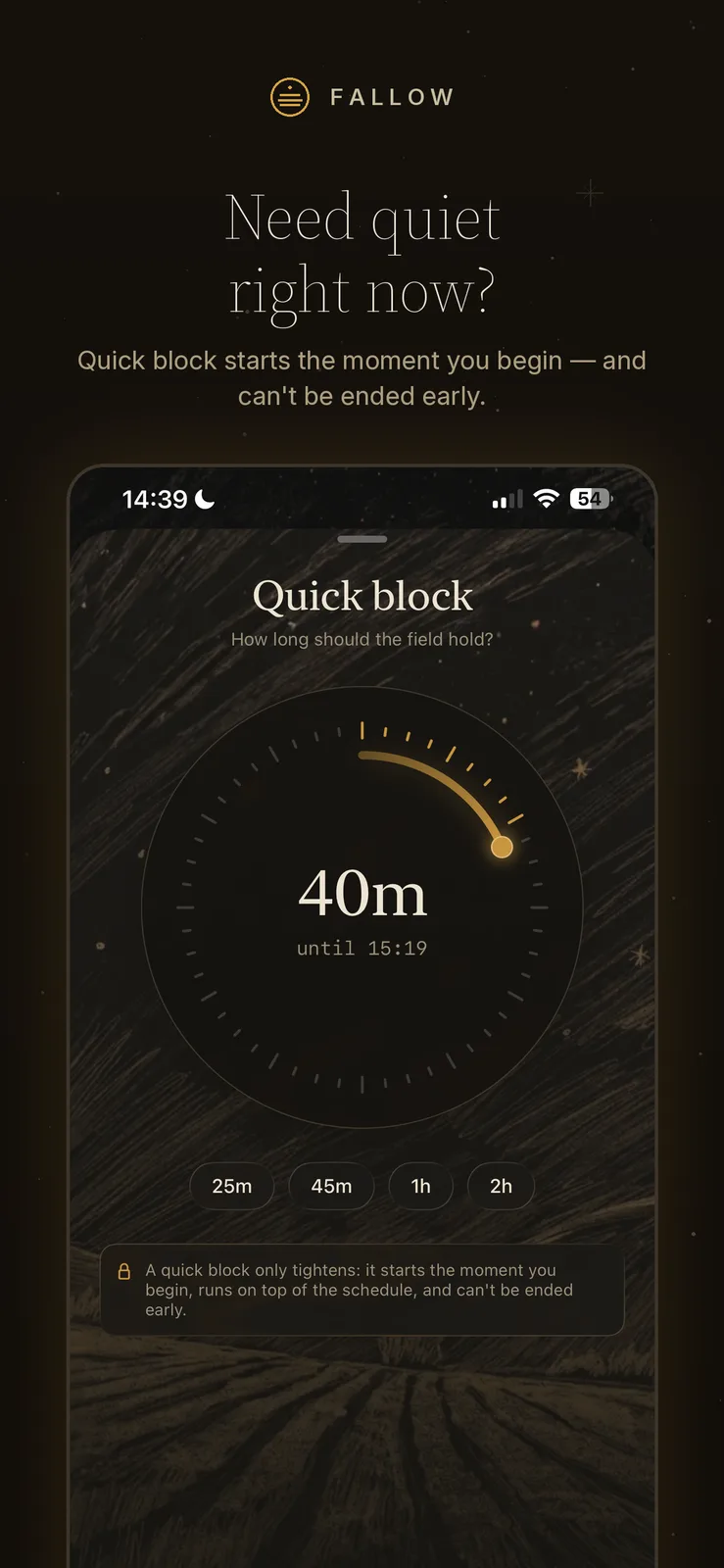
02Quick block
-
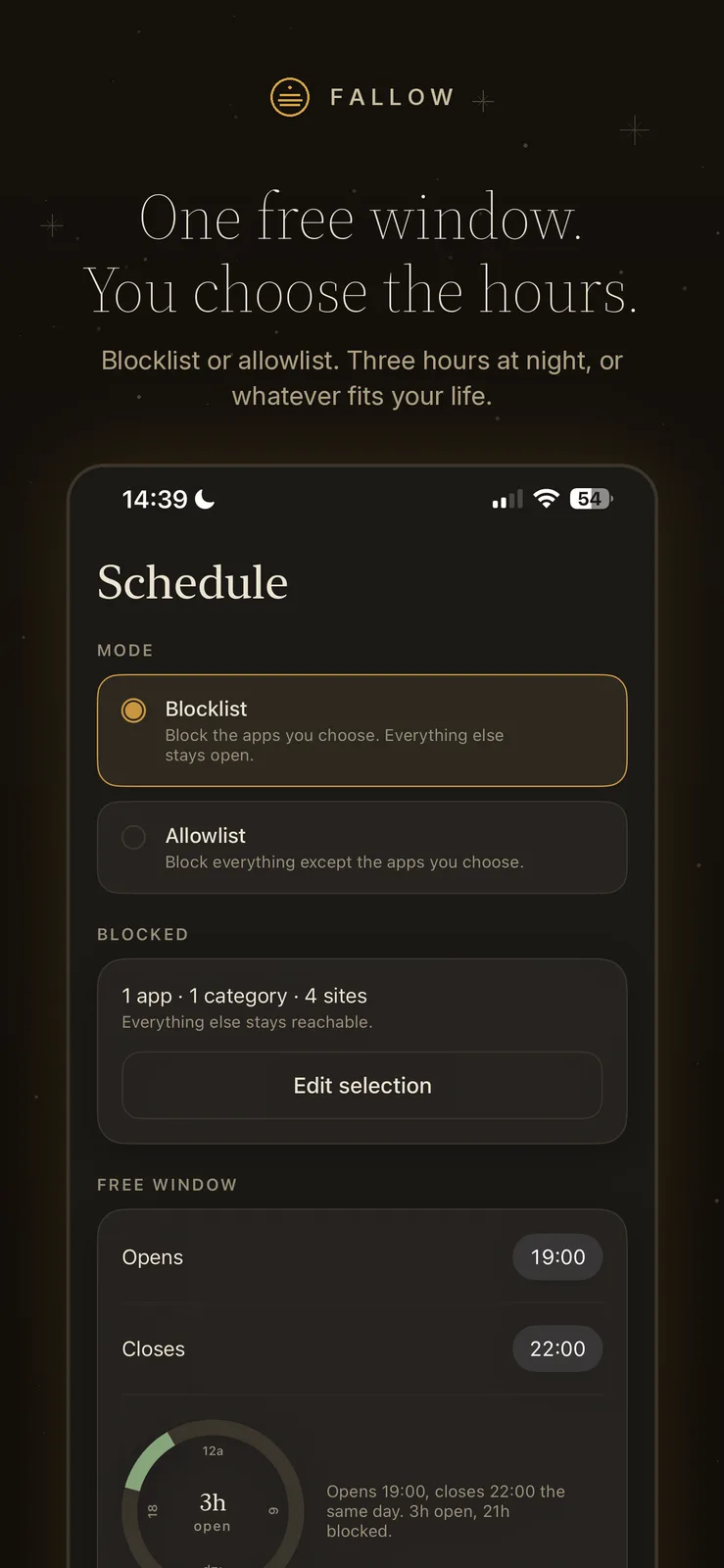
03Schedule
-
04Locks
-
05Brand
How I built it
Native Swift, on Apple’s own Screen Time frameworks.
I built Fallow fully native, on FamilyControls, ManagedSettings and DeviceActivity. It ships as four targets: the app and three extensions. They share one App Group, and that is the only channel between them. Nothing is passed at runtime.
App Group
shared settingsFallow
The screens, and the only place an edit is ever made.
Monitor
Applies and lifts the shields at the edges of the free window.
Shield configuration
Draws the block screen: the art, the quote, the one button.
Shield action
Answers every press of that button with “close”.
Apple only grants the Family Controls distribution entitlement after a manual review. Fallow’s was approved.
Nothing leaves your phone
Fallow never even sees which apps you picked. It only gets opaque tokens from iOS.
Paying never traps you
The purchase only gates loosening. Anything that tightens works forever, and a running block keeps running whether anyone pays or not.
One place for the rules
Every edit, from any screen, goes through a single function that decides whether it tightens or loosens.
- Swift
- SwiftUI
- FamilyControls
- ManagedSettings
- DeviceActivity
- StoreKit 2
What is your peace worth?
Fallow is launching on the App Store as Fallow | Focus App Blocker.